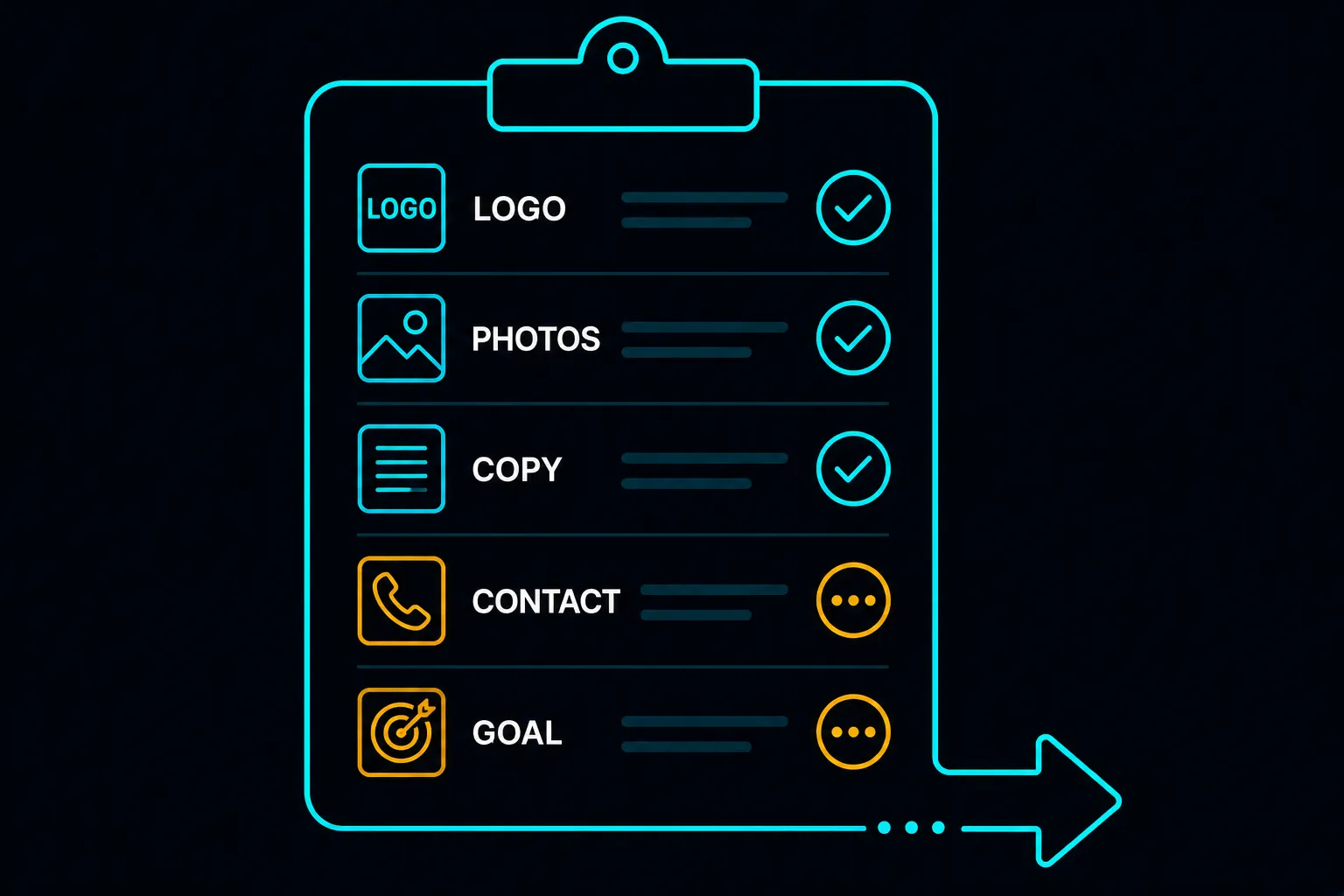
Every studio has a launch process. Most do not write it down, which means items get missed — especially on the fifth or tenth site of the month, when the routine feels automatic.
We keep a written checklist. This is it, in plain language, including the items we added after something went wrong once. It is the actual website launch checklist we run through before any Paeveul site goes to production — not an idealised version of it.
If you are a business owner, this article tells you what to expect from a professional handoff. If you are a developer building sites yourself, use it as a starting point.
Why Checklists Matter at Launch
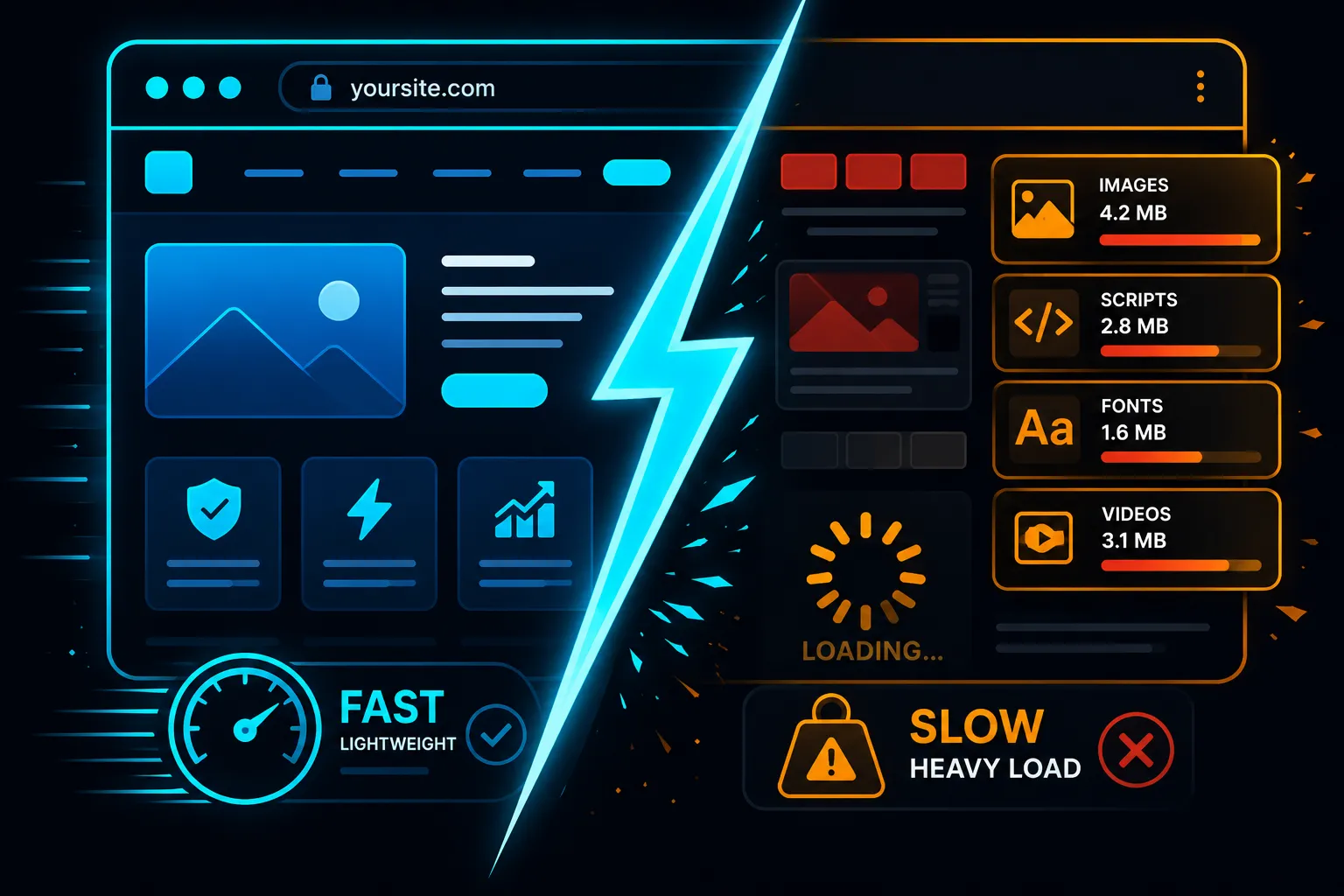
Website launches fail in predictable ways. Not catastrophic failures — usually small things. A phone number that routes to the wrong line. A WhatsApp link built with a leading zero that does not open on iOS. A page title still reading "Your Company Name" because one placeholder was missed. A hero image that loads fine on the developer's MacBook but takes 9 seconds to appear on a Redmi phone.
None of these are disasters individually. Together, they tell a prospective client that the business — or the studio that built the site — is not careful. For a business using a website to establish credibility, launching with visible errors does the opposite.
A checklist is the boring, reliable solution.

The Checklist
Content and placeholder check
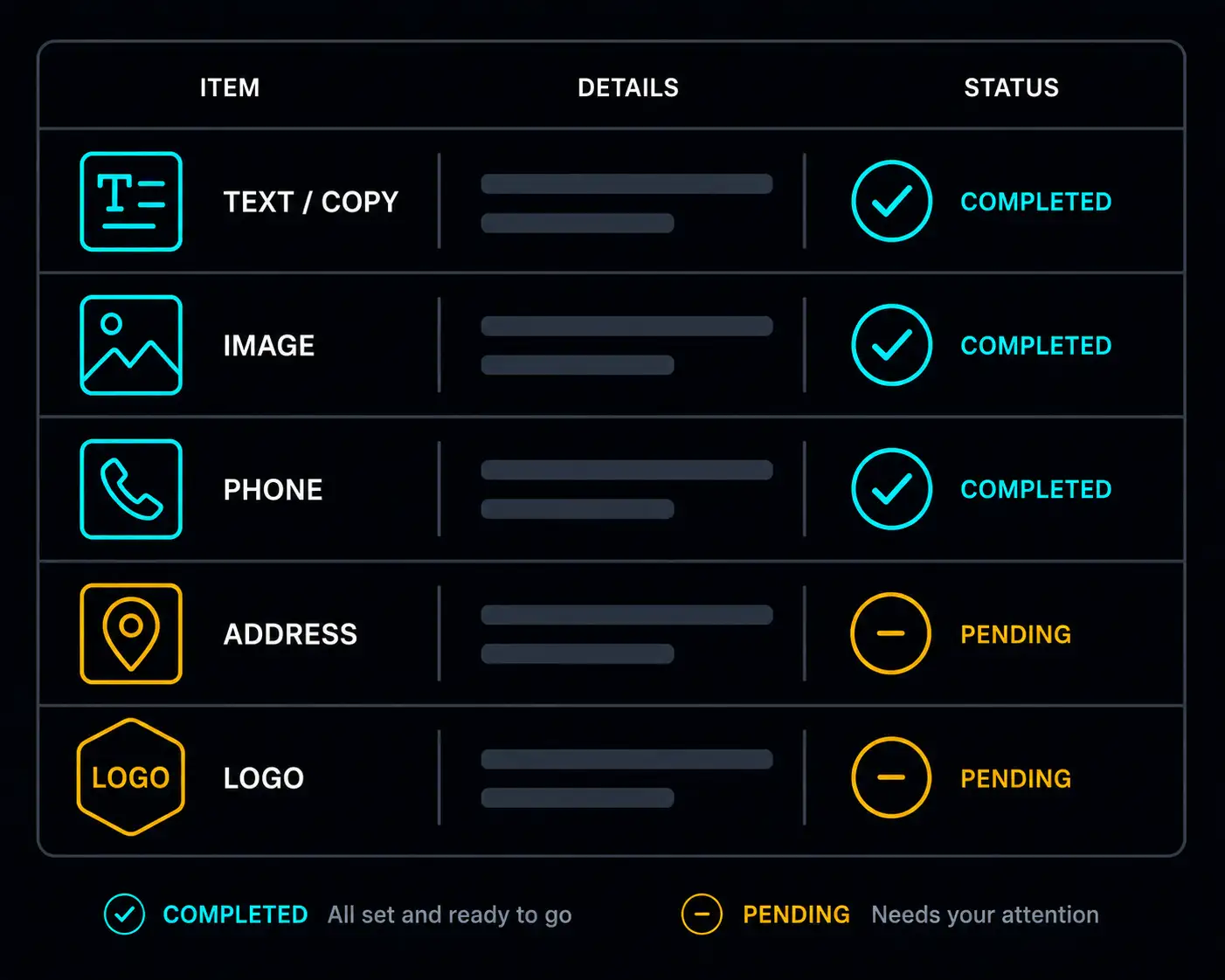
- Business name appears correctly in the browser tab, the navigation, the footer, and the page title meta tag — no template defaults remaining
- Phone number is correct and the
tel:link dials the right number when tapped on mobile - WhatsApp link uses the correct format:
https://wa.me/601XXXXXXXXwith no leading zero, no spaces, country code included — test it on an actual phone, not a desktop browser - Address is correct and matches the Google Maps embed pin location
- Google Maps embed loads and shows the correct location — zoom level is appropriate (street view, not city view)
- All gallery images have loaded and are correct — no placeholder images, no broken image icons
- All image alt text is descriptive and specific, not blank or generic ("image1.jpg")
- Operating hours are accurate
- Coverage area pills or text list the correct suburbs and regions
- Copyright year in the footer is current
- Any "coming soon" or draft placeholder text has been removed
Links and calls to action
- Every CTA button links to the correct destination
- The floating WhatsApp button is visible on mobile and opens the correct conversation
- All navigation links scroll to or load the correct sections/pages
- No dead links (links that go to 404 pages or empty anchors)
- Social media icons in the footer link to the actual business profiles, not template defaults
SEO and metadata
- Page title (
<title>tag) is set correctly — not "Home" or the developer's test name - Meta description is written, under 155 characters, and includes the target keyword
og:titleandog:descriptionare set for correct social sharing previews- Canonical URL points to the live production domain, not a preview or staging URL
- JSON-LD structured data (if used) contains the correct business name, address, phone, and URL — no placeholders
- Google Search Console property has been created and the site verified
- Sitemap submitted to Google Search Console
Performance
- Google PageSpeed Insights mobile score is above 80 — test on the live URL, not the preview
- All images are in WebP format and compressed — no raw JPEG or PNG files over 200 KB
- The site loads correctly on an actual Android phone on LTE, not only on desktop or WiFi
- No render-blocking resources are flagged in PageSpeed Insights (or they have been addressed)
Cross-device and cross-browser check
- Site displays correctly on mobile (Android and iOS if possible)
- Site displays correctly on desktop (Chrome as primary; Edge and Safari if possible)
- Navigation is usable on mobile — no overlapping elements, no text that overflows its container
- Forms (if any) submit correctly and deliver to the right email or CRM
- Lightbox or gallery interactions work correctly on mobile touch events
Hosting and domain
- Domain DNS is pointing to the correct host and the live URL resolves correctly
- SSL certificate is active — the browser shows a padlock icon, not a security warning
- Deployment protection on preview/staging URLs has been reviewed
- Vercel (or host) project settings show the correct production domain
- Redirect from
wwwto non-www(or vice versa) is configured and consistent
Client handoff items
- Client has been shown how to reach the studio for change requests
- Hosting plan terms have been communicated clearly — what is included, renewal dates, what happens if hosting lapses
- Client has a copy of any login credentials they will need (domain registrar, Google Search Console, etc.)
- Client knows how to request future edits — the process is clear and in writing
The Items Most Studios Skip
A few of these deserve specific mention because they are the ones we added after seeing them missed in the wild.
The WhatsApp link test on an actual phone. This is the most common launch error we encounter on Malaysian SME sites. A WhatsApp number formatted as wa.me/0123456789 does not work — the leading zero is incorrect outside Malaysia and some devices will not resolve it. The correct format is wa.me/60123456789. Always test by tapping the button on a phone, not clicking it in a desktop browser.
JSON-LD structured data with placeholder content. Many templates include JSON-LD (machine-readable business information used by Google) that looks invisible to a human reviewer but contains the original template values. Check the page source before launch.
PageSpeed Insights on the live URL specifically. A site that scores well on a preview URL may score differently on the production domain if CDN configuration or caching rules differ. Always test the final live URL.
The Google Maps zoom level. A Google Maps embed set to country-level zoom is not useful to a visitor trying to find your premises. Set the zoom to street level before copying the embed code.
What Happens If Something Gets Missed
Minor issues — a link typo, a wrong operating hour — are easy to fix after launch. The checklist is not about achieving perfection before the site can go live; it is about preventing the category of errors that undermine trust or break core functionality.
A WhatsApp button that does not work means every visitor who taps it cannot contact you. That is not a minor issue. A Google Maps embed that shows the wrong suburb is not a minor issue. These are the ones the checklist exists to catch.
Everything else can be iterated.