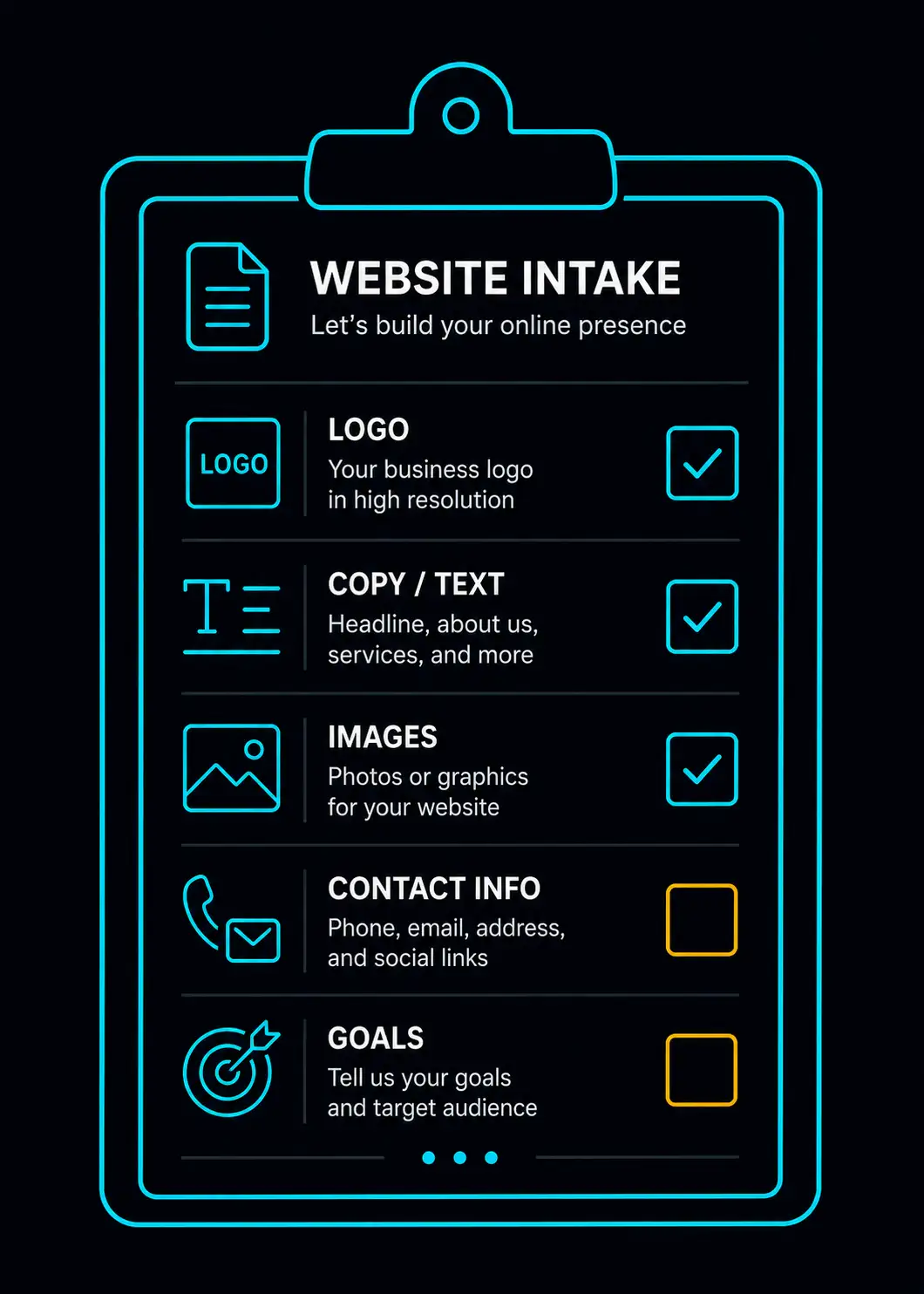
One of the most common reasons website projects run over time and over budget is not technical — it is information. The client does not have the right materials ready, the web designer starts work with placeholders, changes get made mid-project, and what should have been a five-day job turns into three weeks.
If you are engaging a web designer for your Malaysian SME, preparing these materials before work starts will save you time, reduce back-and-forth, and get you a better result.
1. Your Business Name (Exactly as You Want It Displayed)
This sounds obvious, but it is regularly a source of confusion. Do you trade as "Ahmad & Sons Enterprise"? "Ahmad Hardware"? Do you want "Sdn Bhd" displayed, or do you use a shorter brand name publicly?
Decide this before briefing your designer — it appears in the navigation bar, the footer, the browser tab, and the site's SEO metadata. Changing it late means updating it in multiple places.
2. Your Contact Details
Provide all the contact details you want displayed publicly:
- Business phone number (the one you actually answer)
- WhatsApp number (confirm whether it is the same as the phone number or different)
- Business email address (if you want it displayed — many Malaysian SMEs prefer WhatsApp only)
- Physical address with full postcode and state
Also confirm: do you want a Google Maps embed on your site? If yes, have your Google Maps pin location checked — search for your business on Google Maps and confirm the pin is in the right place before your designer embeds it.
3. Your Services — In Plain Language
Write out the services you want listed on the site. Do not assume your designer knows your industry.
For each service, provide:
- What it is called (the name you use with clients, not an internal code)
- A 1 to 2 sentence description of what it includes
- Any relevant detail — coverage area, typical timeframe, type of client it suits
A hardware store might list: "Pipe Fittings Supply", "Plumbing Tools Retail", "Bulk Order for Contractors". An HVAC company might list: "Air Cond Installation", "Air Cond Servicing and Cleaning", "Repair and Refrigerant Top-Up", "Commercial Chiller Maintenance".
The more specific you are here, the better your site will communicate to clients — and the better it will rank in Google for those specific services.
4. Photos
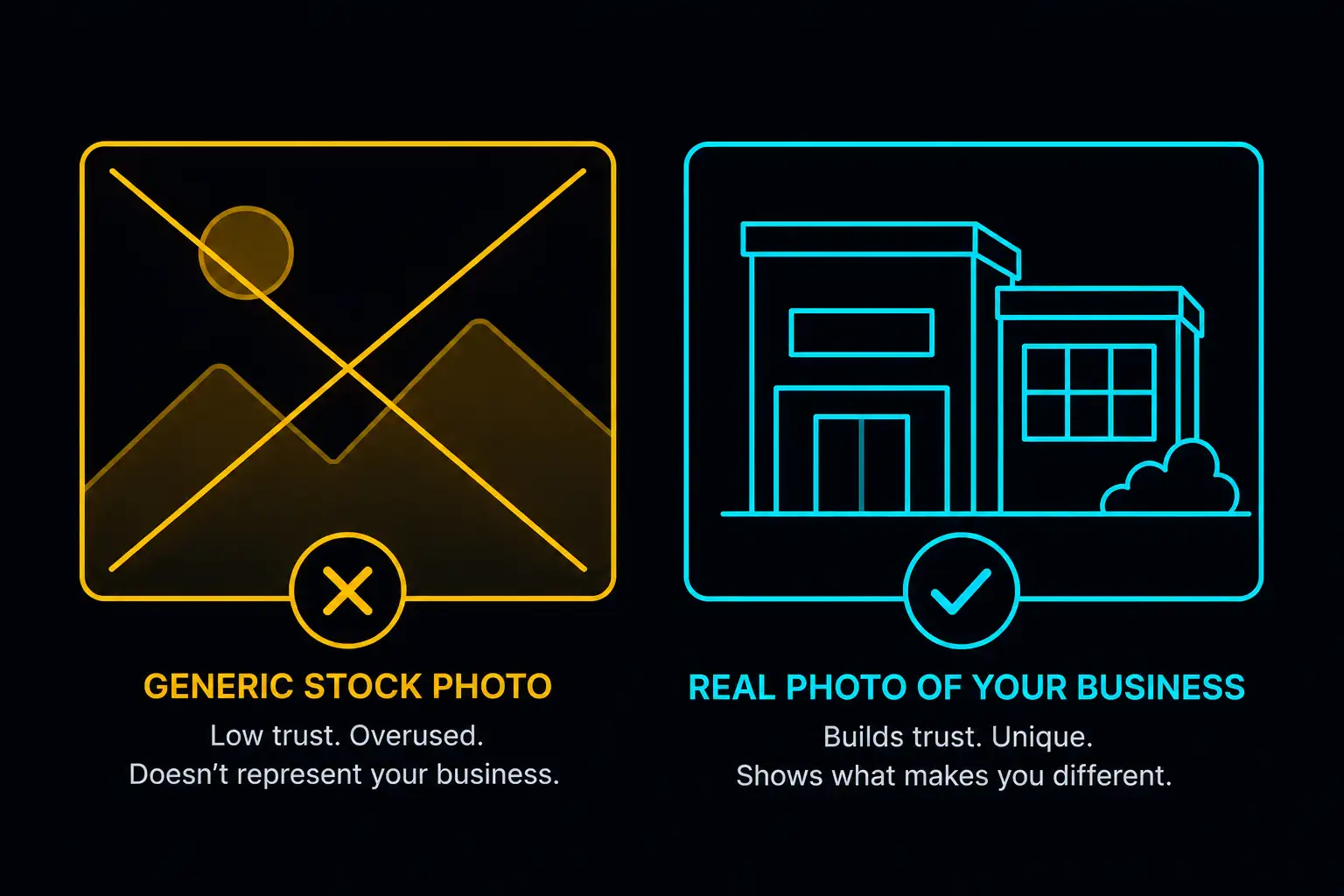
This is the most common bottleneck in website projects. Designers can build a beautiful layout, but if the photos are poor, the site will look poor. No amount of design work compensates for bad photography.
What to prepare:
Photos of your work. For HVAC: installed units, completed jobs, before-and-after where relevant. For F&B: dishes, the dining area, the kitchen if appropriate. For hardware: your shopfront, key product lines, the store interior. For logistics: vehicles, warehouse, loading operations.
Photos of your team or yourself. Clients in Malaysia buy from people they trust. A photo of you or your team working makes the site feel real and accountable.
Your logo. In PNG format with a transparent background if possible. If you do not have a high-quality logo file, tell your designer — they may be able to source it or advise on a replacement.
Minimum photo specifications: At least 1,200 pixels on the longest side. Taken in good natural light. In focus.
You do not need a professional photographer. A modern smartphone with good lighting (outdoors, or near a window) produces photos sufficient for a website.
5. Operating Hours
List your hours for each day of the week. If you have different hours on weekends or public holidays, specify them. If you operate 24 hours or on-call, say so.
6. Coverage Area
Where do you operate? If you serve a specific geographic area — "Klang Valley", "Johor Bahru and surrounding areas", "nationwide" — tell your designer. This information goes on the site and also feeds into local SEO setup.
If your coverage is more granular, list the areas or districts you serve: "Subang Jaya, Shah Alam, Klang, Petaling Jaya, Puchong."
7. Any Credentials, Certifications, or Registrations
If your business holds certifications or registrations that build credibility, prepare them. Examples:
- CIDB registration (construction, HVAC)
- Ministry of Health licence (F&B, clinics)
- SIRIM or industry certifications
- Years in business / number of completed projects
These details go into the "Why Us" or About section and are powerful trust signals — especially for first-time clients who do not know you yet.
8. Testimonials or Reviews
Do you have 3 to 5 satisfied clients who have said something positive about your work? Ask them for a written quote — one or two sentences about the job you did and why they would recommend you. Or extract quotes from Google reviews or WhatsApp messages (with permission).
Testimonials are one of the most effective conversion tools on a Malaysian SME website. A site without any social proof requires much more trust from the visitor.
9. Your Primary Goal for the Website
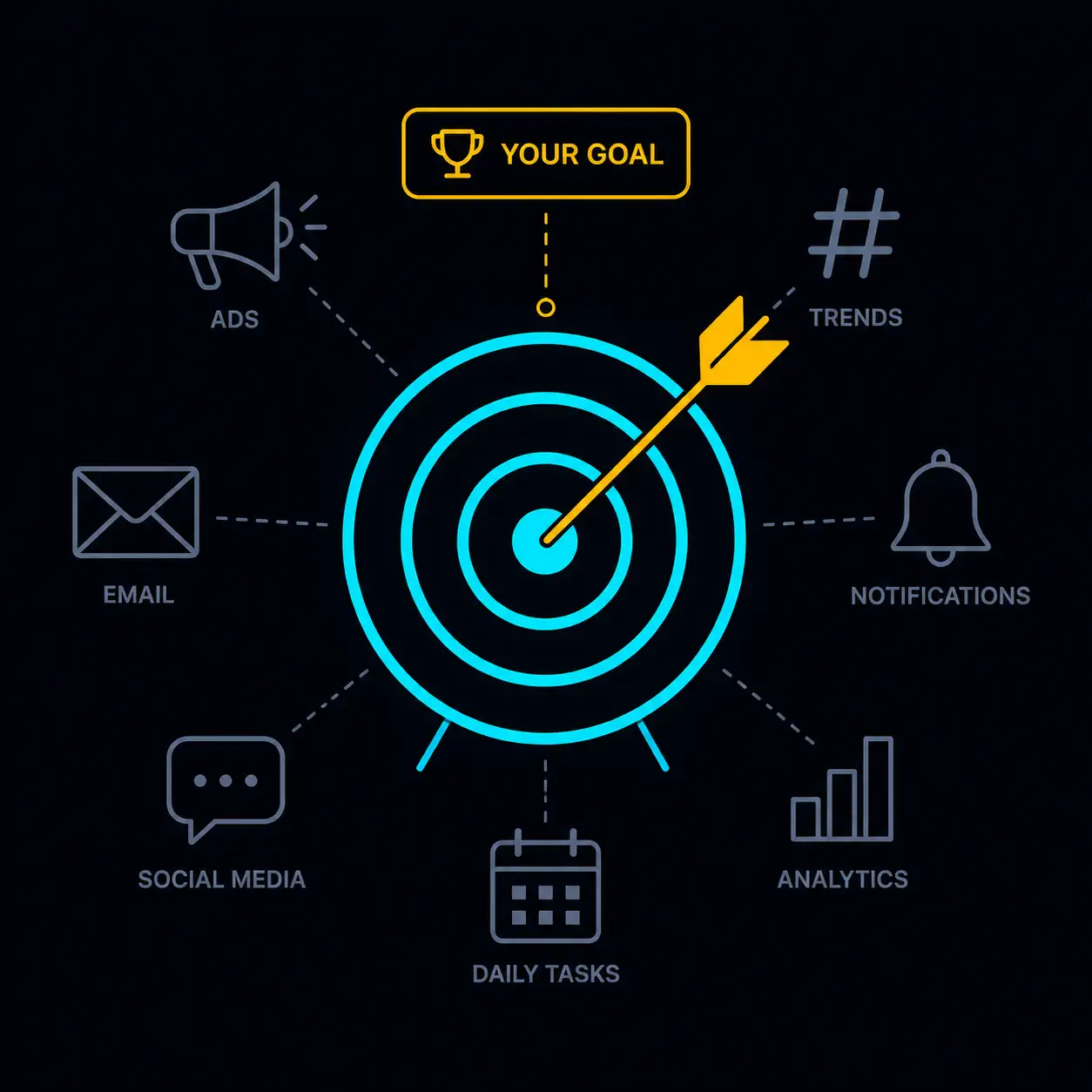
What do you want the website to do? The most common answer for a Malaysian SME is: "I want people to contact me on WhatsApp." That is a clear goal, and a good designer will build every section around it.
Other valid goals: rank in Google for a specific search term, present a professional image for contract bids, support paid advertising campaigns, display a menu or product list.
Knowing your goal upfront means the designer can prioritise the right elements — instead of building a generic site that does not serve any specific purpose.
10. Your Domain Preference
Have you decided on a domain name? If not, now is the time to think about it. A .com.my domain is RM 80 to RM 100 per year and signals local credibility to Malaysian clients. A .com domain is slightly cheaper and works well if you plan to serve international clients eventually.
If you already own a domain, provide your registrar login details or arrange to transfer the domain management to your designer during the build.
What Happens If You Do Not Have All of This Ready
Most web designers will start anyway — with placeholder content. This is where projects stall. The design is built, but the designer is waiting for your photos, your service descriptions, your testimonials. Every day of waiting is a day the launch is delayed.
Spend two to three hours gathering this information before your first meeting with a designer. It is the single most effective thing you can do to accelerate your project.
At Paeveul, we send every new client a simple briefing checklist the day they confirm their project. If you are considering working with us, you can start preparing now using this list.